Installation Guides
GenX GPS Tracker Removal Guide

Tools required:
- Wire clippers
- Screwdriver
- Trim removal tool
- Electrical tape
Instructions
Use a screwdriver or trim removal tool to remove the panel from the lower portion of your driver’s side dashboard
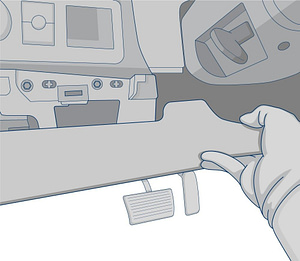
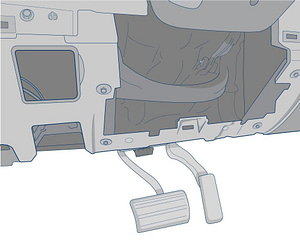
Find the GPS tracker behind the dashboard. It is typically below the steering wheel, in the driver side kick panel, or in the upper part of the dash.
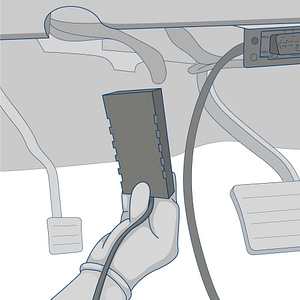
Remove the device. Find the connection point for the red and white wires and cut off the GPS tracker’s cable about 1/4 of an inch from where it connects with the vehicle’s wires. Be sure to wrap any exposed vehicle wires with electrical tape.
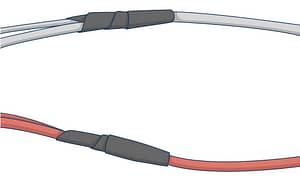
Find the location where the ground wire connects to the vehicle’s chassis and unscrew the connector to remove it.

Remove the tracker and its wiring harness from the vehicle.
Record the serial number for the device. Submit the form below if you plan on deactivating the device